

My Home Server
Uploaded: 1 กุมภาพันธ์ 2566

Vittawat Sootawee
I’m creating home server by using rpi-4 that is single computer board using Linux operating system
Hobbies
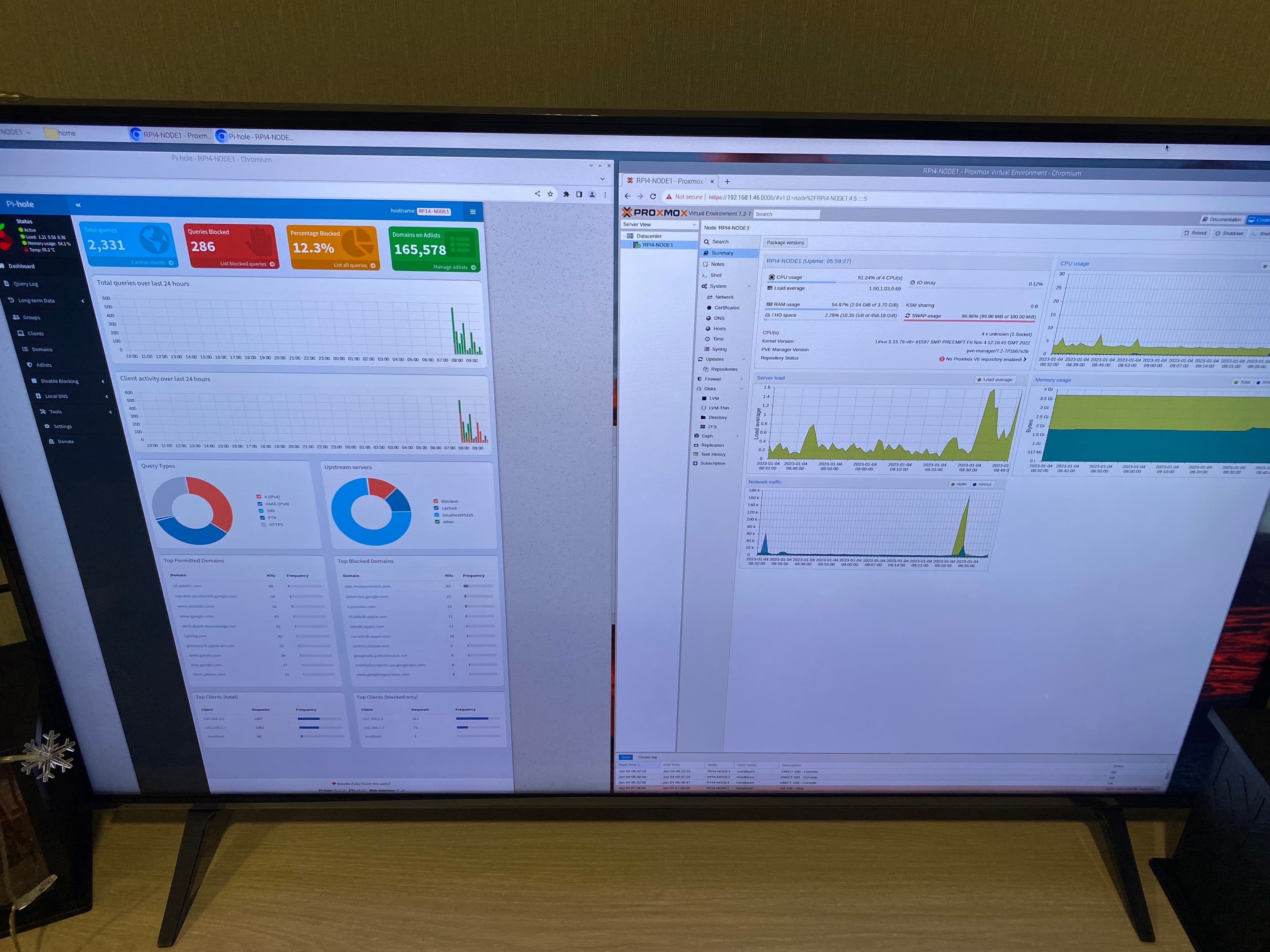
My home server by rpi4
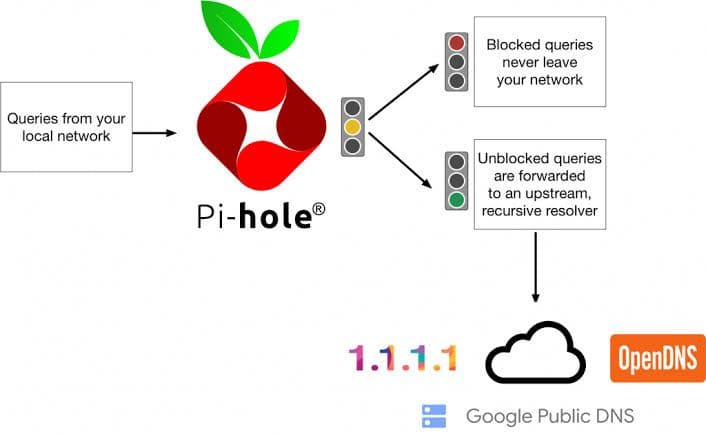
I have built my own server including pi-hole server that can block suspicious tracking from entered website in DNS leveel and other advertisement on device that using pi-hole DNS server.
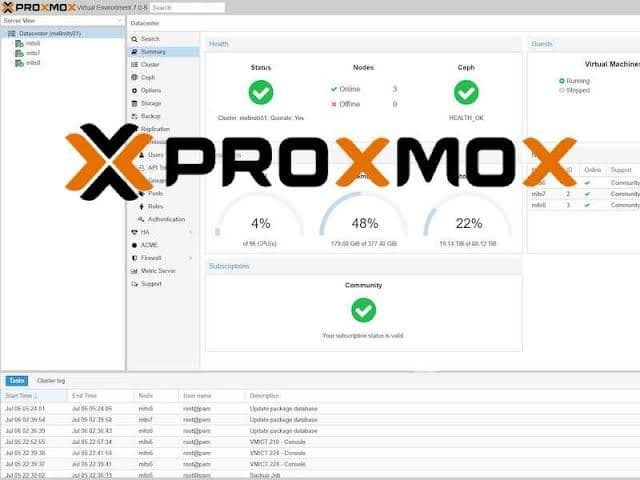
And also promox that is like multiple server or virtual machine that can use to be as a server and file storage backup.
@my home

Nevertheless, the reason behind that is I interest in networking and smart home technology.
This is step if you want to do so
** notice that you have to use linux or if you use window you have to use docker **
One-Step Automated Install
Those who want to get started quickly and conveniently may install Pi-hole using the following command:
curl-sSLhttps://install.pi-hole.net|bash
Info
Piping to bash is a controversial topic, as it prevents you from reading code that is about to run on your system.
If you would prefer to review the code before installation, we provide these alternative installation methods.
Alternative 1: Clone our repository and run
gitclone--depth1https://github.com/pi-hole/pi-hole.gitPi-hole cd"Pi-hole/automated install/" sudobashbasic-install.sh
Alternative 2: Manually download the installer and run
wget-Obasic-install.shhttps://install.pi-hole.net sudobashbasic-install.sh
Alternative 3: Use Docker to deploy Pi-hole
Please refer to the Pi-hole docker repo to use the Official Docker Images.